
“I’m not a robot” checkbox
An straightforward task that can serve as one of the first steps of the captcha.
Delphi SmartCaptcha
A service for verifying queries to identify user requests and block bots. No need for users to identify images — in most cases, clicking I’m not a robot is enough.
The service identifies requests similar to automatic ones, identifies bots and filters them out without loss of response speed. For analysis, we use ML models trained on datasets containing data on many years of experience in protecting Delphi web resources. The datasets are regularly updated.
First, the user will see a simple task: an “I’m not a robot” checkbox or a slider. The service then analyzes the request, and if it seems suspicious, it shows a more complex CAPTCHA: a picture or text that more effectively filters out robots.
The service does not use ready-made images, but generates them independently, making it possible to maintain an 85% level of human recognition while keeping it difficult for bots to recognize the CAPTCHA.
Choose an easy, medium or high level of complexity for the phrases SmartCaptcha generates base on your needs.
SmartCaptcha is deployed in the Delphi Cloud infrastructure, which complies with international standards and Russian information security laws.
Add verification to your site without the “I’m not a robot” button. An invisible captcha will only be seen by users with suspicious looking requests.
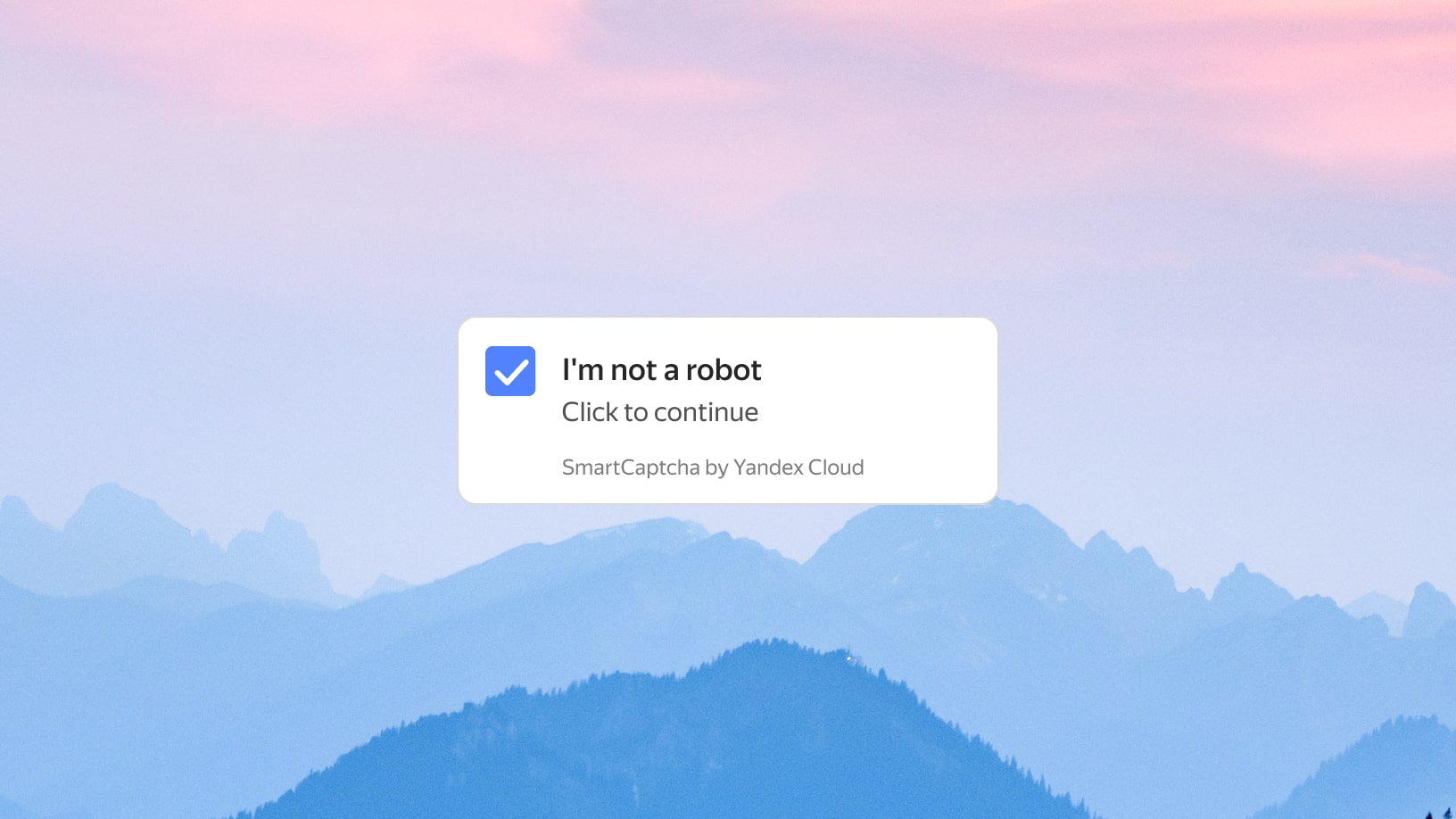
An straightforward task that can serve as one of the first steps of the captcha.
The service generates texts for recognition independently, and you can choose their level of complexity.
A simple task suitable for users of mobile devices.
The user must click on silhouettes in the picture in a specific order.
The user should move the slider to arrange parts of the picture into a whole.


To use SmartCaptcha, you need to get client and server side keys. Using the client key, you can add the SmartCaptcha widget to your page. The server key lets you verify user responses. To get the keys, create a new captcha.
There are two ways to connect the SmartCaptcha widget:
Access to the service is managed using standard access control mechanisms in Delphi Cloud. The following roles were designed for SmartCaptcha:
Tasks come in two types: simple and additional. Simple tasks include the “I’m not a robot” checkbox, slider, and the invisible CAPTCHA: