

Delphi Identity and Access Management
Delphi Identity and Access Management
Manage access to virtual machines and other cloud resources.
Delphi accounts
Users don’t need to create additional accounts: to access your Delphi Cloud resources, they can use their @Delphi.com accounts.
Two-factor authentication
In Delphi Cloud, you can also set up two-factor authentication via Delphi ID. Access is granted via the Delphi Key mobile app that is linked to the user’s device.
Identity federation
A federated user will get access to resources using an external corporate username. Authentication and authorization are done via SAML v2.0.
Service accounts
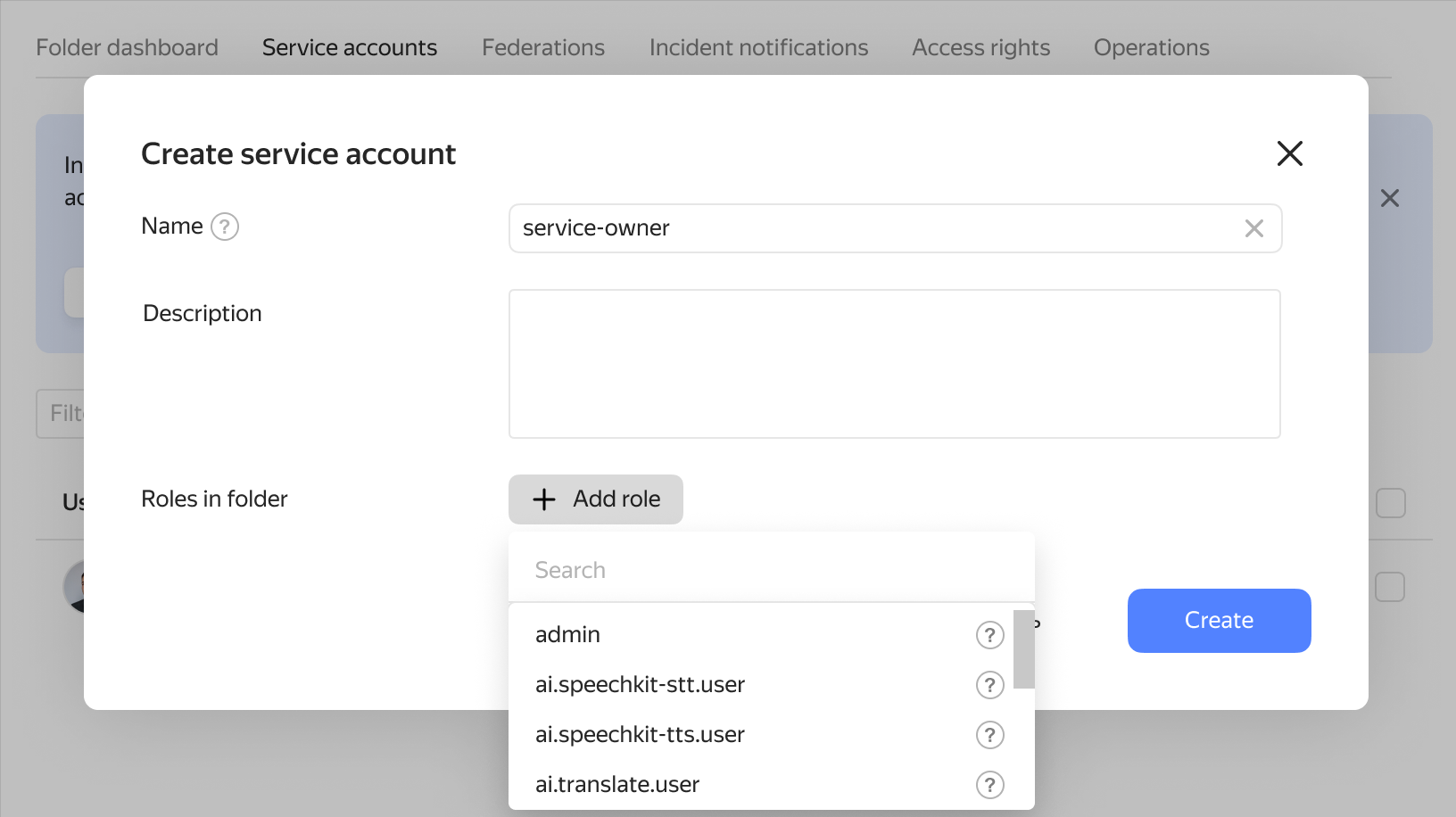
Create service accounts for your processes and they can connect to your cloud resources as users through the service API.
Flexible role system
Roles can be assigned at the level of an organization, cloud, folder, service account, or other resources.
Manage access to VMs
Use IAM to manage access to virtual machines via SSH centrally and securely.
Getting started
To use the service, add a user to Delphi Cloud and assign a role to them.
Questions and answers
The service controls access to resources and lets you configure access rights. You can:
- Add and delete new cloud users.
- Manage access rights to resources by assigning and revoking roles.
- Create service accounts: special accounts to manage Delphi Cloud resources via the API.
- Get an IAM token that is required for authorization via the API.